EN
EN
 AR
AR
 CS
CS
 DA
DA
 NL
NL
 FI
FI
 FR
FR
 DE
DE
 EL
EL
 HI
HI
 IT
IT
 JA
JA
 KO
KO
 NO
NO
 PL
PL
 PT
PT
 RU
RU
 ES
ES
 SV
SV
 ID
ID
 SK
SK
 SL
SL
 ET
ET
 TH
TH
 TR
TR
 MS
MS
 KA
KA
 UR
UR
 BN
BN
 MN
MN

How to Combine QR Code Function with NFC Wristbands for Events
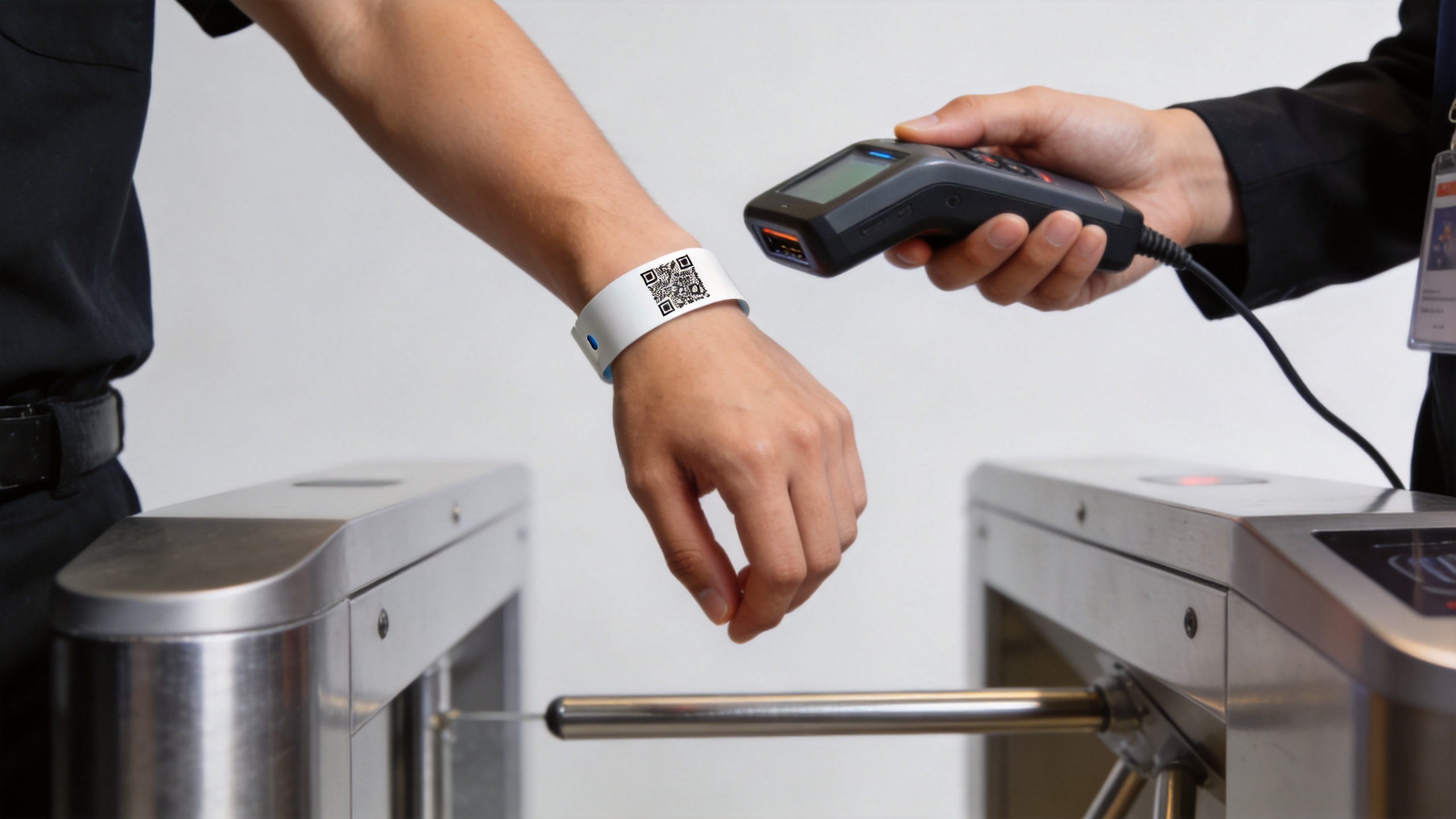
At an event gate, a wearable credential has to work when queues build, batteries run low, or a reader lane needs a quick fallback. That is why nfc wristbands for events with qr code can be more useful than choosing a tap-only or camera-only option. A single wristband can carry a visible QR code for camera scanning and an NFC tag for tap interactions, while your event platform decides what each interaction is allowed to do.
From an event-operations perspective, the important point is not that two technologies appear on one band. It is that they support one deliberately designed attendee journey. This guide explains how to plan nfc wristbands for events with qr code without treating the QR graphic and the NFC chip as two unrelated features.
Start with one attendee record, not two separate credentials
The cleanest design for nfc wristbands for events with qr code begins in the registration or ticketing system. Give every attendee one server-side record and assign it a unique, opaque token. The QR code and the NFC tag should both point back to that record rather than exposing names, ticket classes, or payment information on the wristband itself.
A QR code can encode a secure URL or a short token that a scanner sends to your platform. NFC can similarly hold a controlled URL or identifier. NFC Forum NDEF provides a common format for NFC application data, which is one reason a URL-based tap flow is straightforward to manage on compatible devices. The validation decision still happens on the server: active, redeemed, revoked, upgraded, or blocked.
This matters for nfc wristbands for events with qr code because reprinting one band or replacing a lost band should not create a second uncontrolled credential. Mark the old token inactive, issue a replacement token, and let both scanning paths check the same current record.
Give QR and NFC different jobs
Using both functions does not mean every checkpoint must use both. In practice, nfc wristbands for events with qr code work reliably when each method has a clear operational role.
- QR for universal visual fallback: camera-equipped staff devices can scan a printed code at entry, help desks, or temporary lanes.
- NFC for fast self-service taps: compatible phones or installed readers can open a schedule, activate a sponsored experience, or identify an attendee with a short tap.
- Either method for recovery: if a reader configuration fails or a visitor cannot tap with a particular phone, staff can scan the printed credential and continue the workflow.
For example, a festival may use NFC at a staffed activation booth and QR at the main gate. A conference may use QR for badge collection but an NFC tap to open a personalised agenda page. The underlying record remains the same, which keeps reporting and support simpler.
Choose a payload that is useful but not sensitive
A common implementation mistake is placing too much information in the code or tag. With nfc wristbands for events with qr code, avoid encoding an attendee’s full name, email address, access level, or a reusable payment value directly into either payload. Printed QR codes can be photographed, and NFC data can be read by compatible devices.
Instead, use a short random identifier or HTTPS URL that expires, resolves through your platform, and is checked at every important action. If the event needs cashless payments, prize redemption, or restricted access, require online validation and an appropriate authentication rule at that transaction. The wristband can identify the request; it should not be your only security control.
Plan the print and chip layout together
The visual code, antenna area, branding, and fastening method all share limited space. An nfc chip bracelet for events needs a QR code with sufficient contrast, quiet space around it, and a placement that is not likely to crease or rub away during wear. At the same time, the NFC inlay should not be covered by metallic decoration or placed where a clasp repeatedly bends it.
There is no single layout for every event. For a one-day indoor conference, a printed PVC or fabric design may be practical. For a multi-day outdoor event, test the chosen material after exposure to sweat, rain, sunscreen, and repeated bending. The question is not merely whether the code scans on a desk; it is whether it remains readable in the way attendees actually wear it.
Test the full event flow before production
Looking at a nominal read range on paper tells you little about throughput at peak entry. For nfc wristbands for events with qr code, run a small pilot with the actual reader, mobile scanner, Wi-Fi conditions, and staff workflow. Test the exact artwork, the encoded payload, and the confirmation screen that staff see.
- Create a test attendee record with each expected permission level.
- Encode and print sample bands from the intended production method.
- Scan the QR in bright light, low light, and at realistic wrist angles.
- Tap the NFC function with the devices and readers planned for the event.
- Test duplicate entry, revoked credentials, lost-band replacement, and offline procedures.
- Measure where staff hesitate, then simplify the screen or lane process before ordering at scale.
This pilot is especially valuable for nfc wristbands for events with qr code because it validates the handoff between physical production and your software, not just either component in isolation.
Build a fallback plan that staff can explain
A dual-function design is only an advantage when the fallback is documented. Give staff a short rule: try the normal method first, use the alternative scan method second, and escalate only when the platform cannot validate the attendee. Do not ask staff to make access decisions from a printed name or wristband colour alone when the credential record is unavailable.
For nfc wristbands for events with qr code, consider a simple operating matrix:
| Situation | First action | Fallback |
|---|---|---|
| Gate reader is active | Use the planned NFC or scanner workflow | Use the other credential method if the first cannot be read |
| Attendee phone cannot tap | Use staff device or reader | Scan the printed QR code |
| Band is damaged or lost | Verify identity against the registration record | Deactivate the original token and issue a replacement |
| Network interruption | Follow the approved offline queue process | Reconcile validated entries when service returns |
Make the wristband an experience layer, not just an entry pass
Once admission is stable, nfc wristbands for events with qr code can connect attendees to session schedules, exhibitor lead capture, feedback forms, maps, sponsor activations, or post-event content. Keep these actions proportional to consent and expectation. A tap that opens a public event page is low-friction; a tap that shares personal information should clearly explain what happens next.
An nfc chip bracelet for events can therefore support both practical operations and optional engagement. The distinction is important: access validation needs reliability and staff training, while marketing interactions need a clear value exchange for the attendee.
Final checklist
Before approving production, confirm that your platform has one attendee record, both payloads resolve to controlled tokens, QR artwork remains scannable, NFC works with the intended infrastructure, and staff have a rehearsed fallback. With that foundation, nfc wristbands for events with qr code can reduce single-point failure and create a more flexible event journey without making the credential unnecessarily complicated.